As a lottery pool manager, you may organize 100 enthusiastic Powerball fans. All of the crew play $20 monthly. How can you quickly record the payment schedule for these 100 people with SmartCaptain App for Lottery Pool Managers? Here we go a step-by-step instructions:
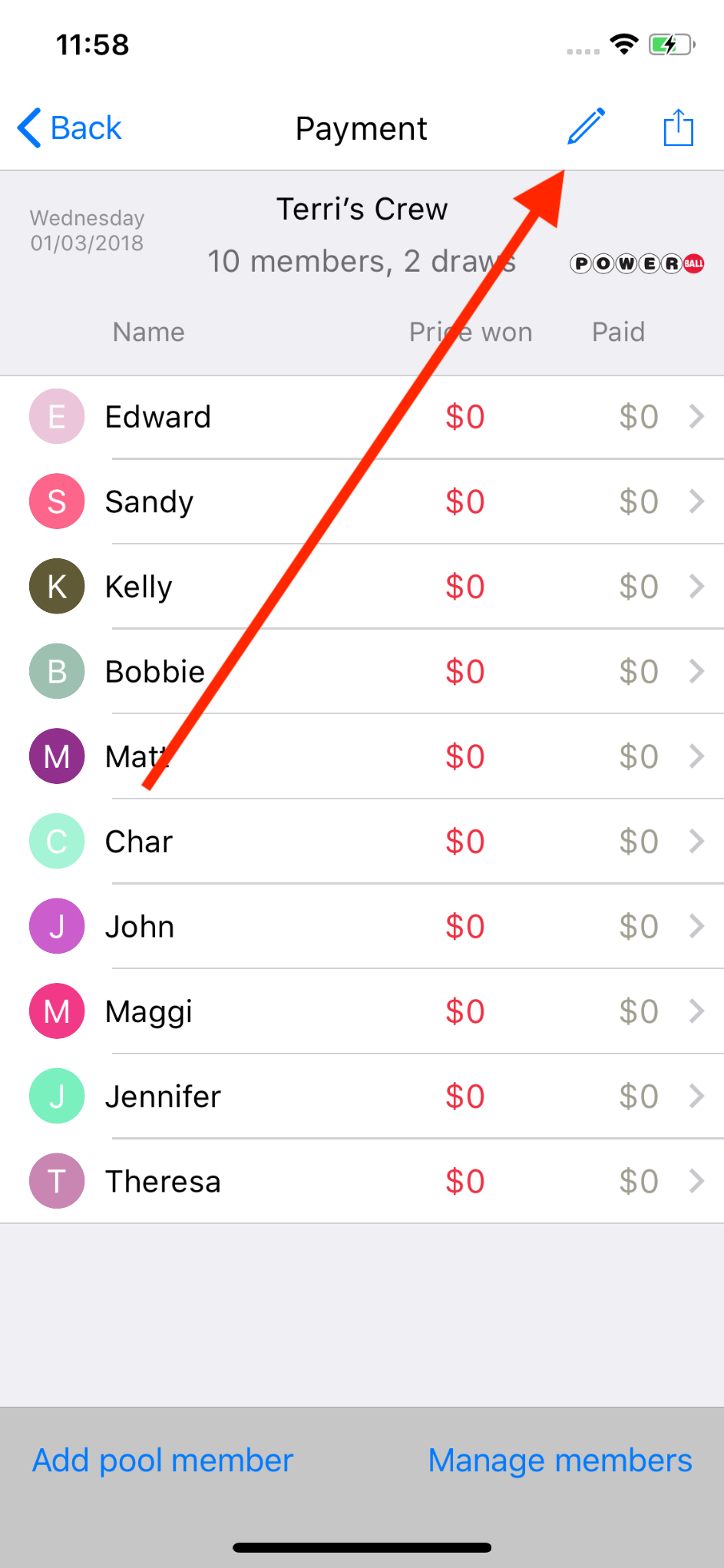
- on Payment screen, tap the Edit icon on top right
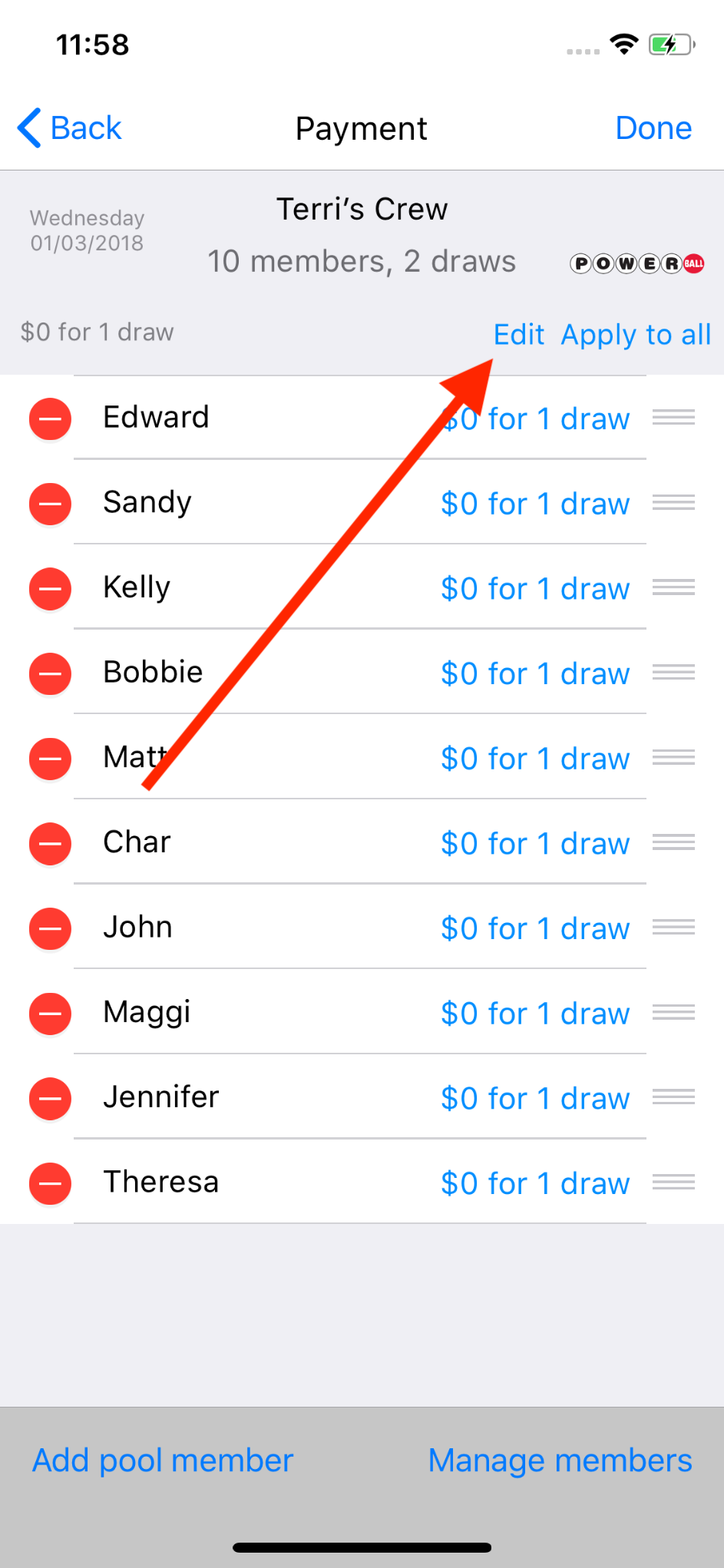
2. tap Edit below pool title section
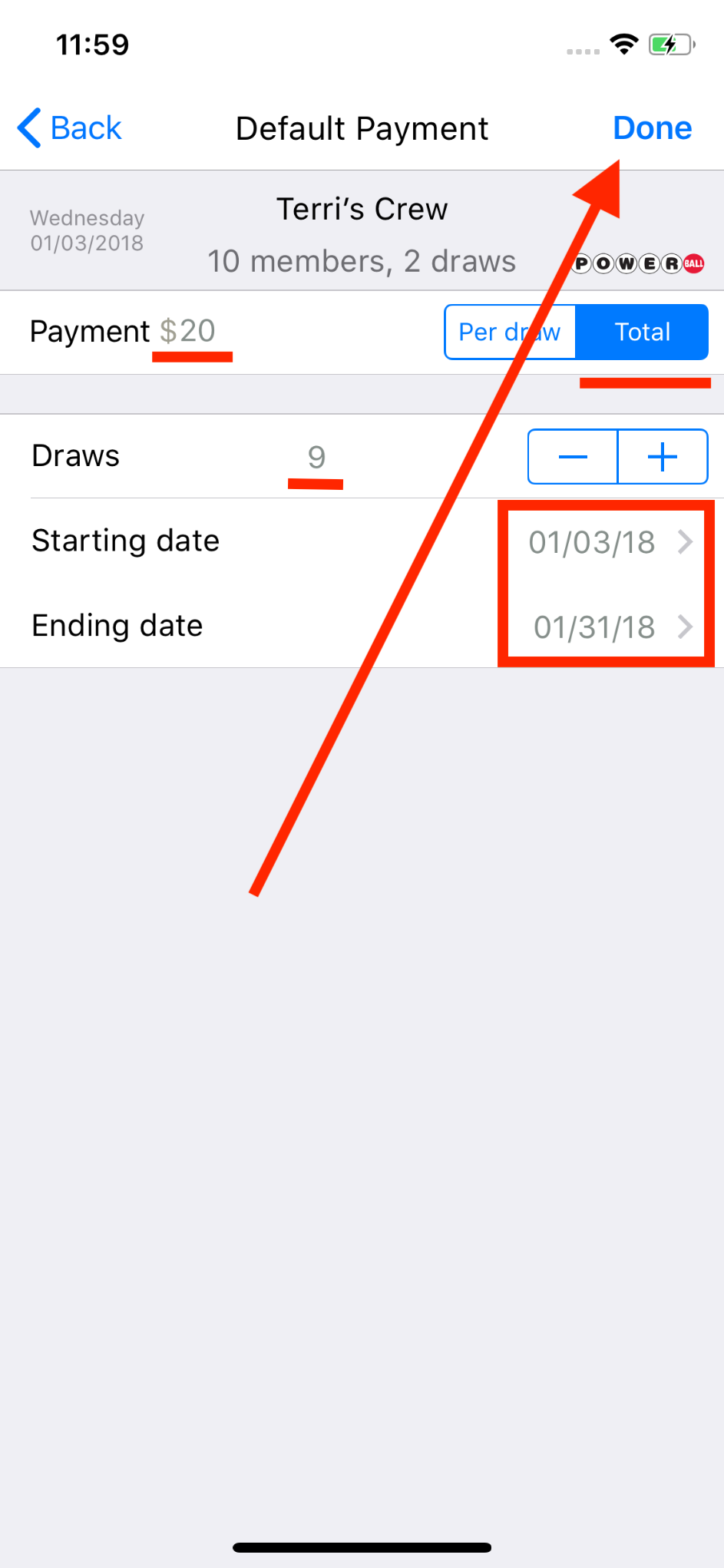
3. setup pool payment schedule as $20 for January, then press Done button
4. here we go the magic: Apply to all
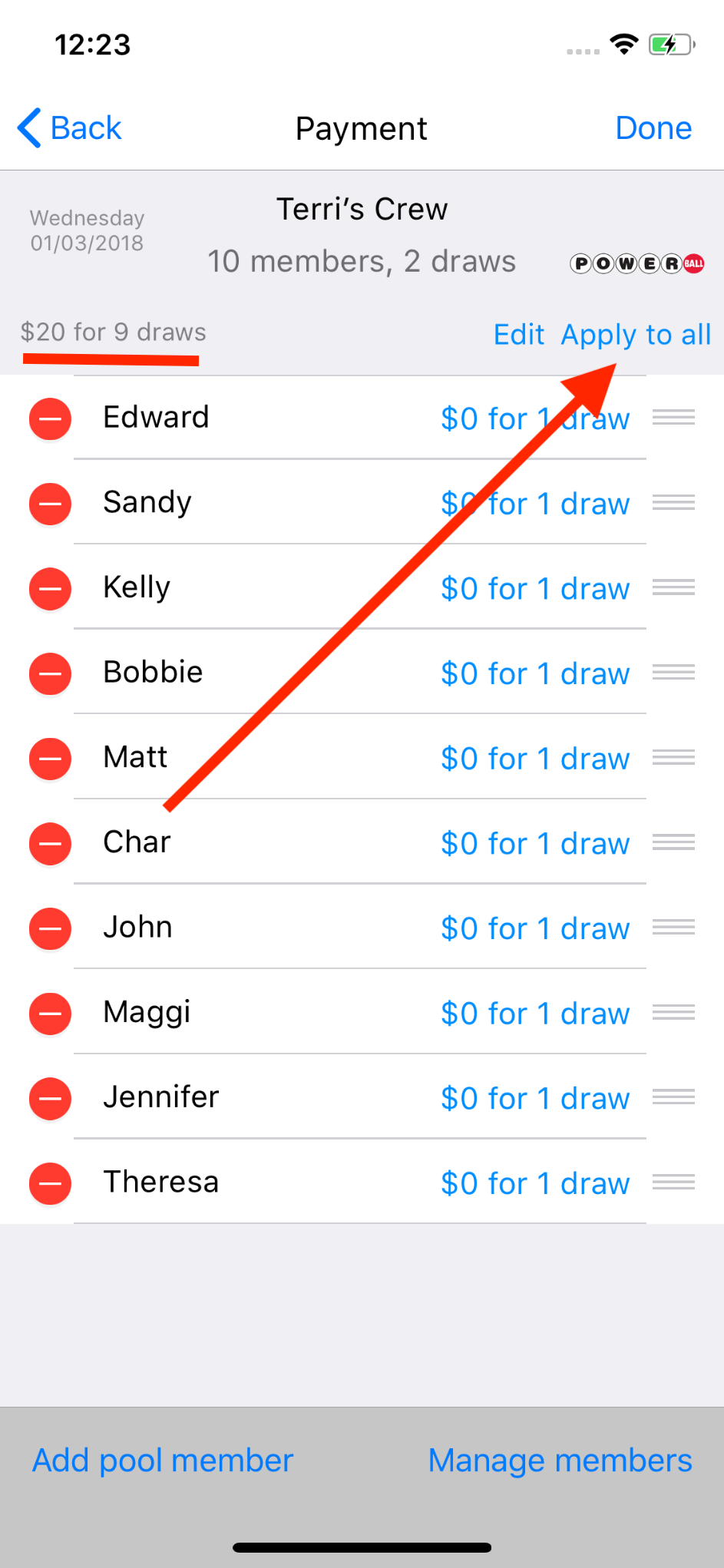
5. now everybody has the same payment schedule setup
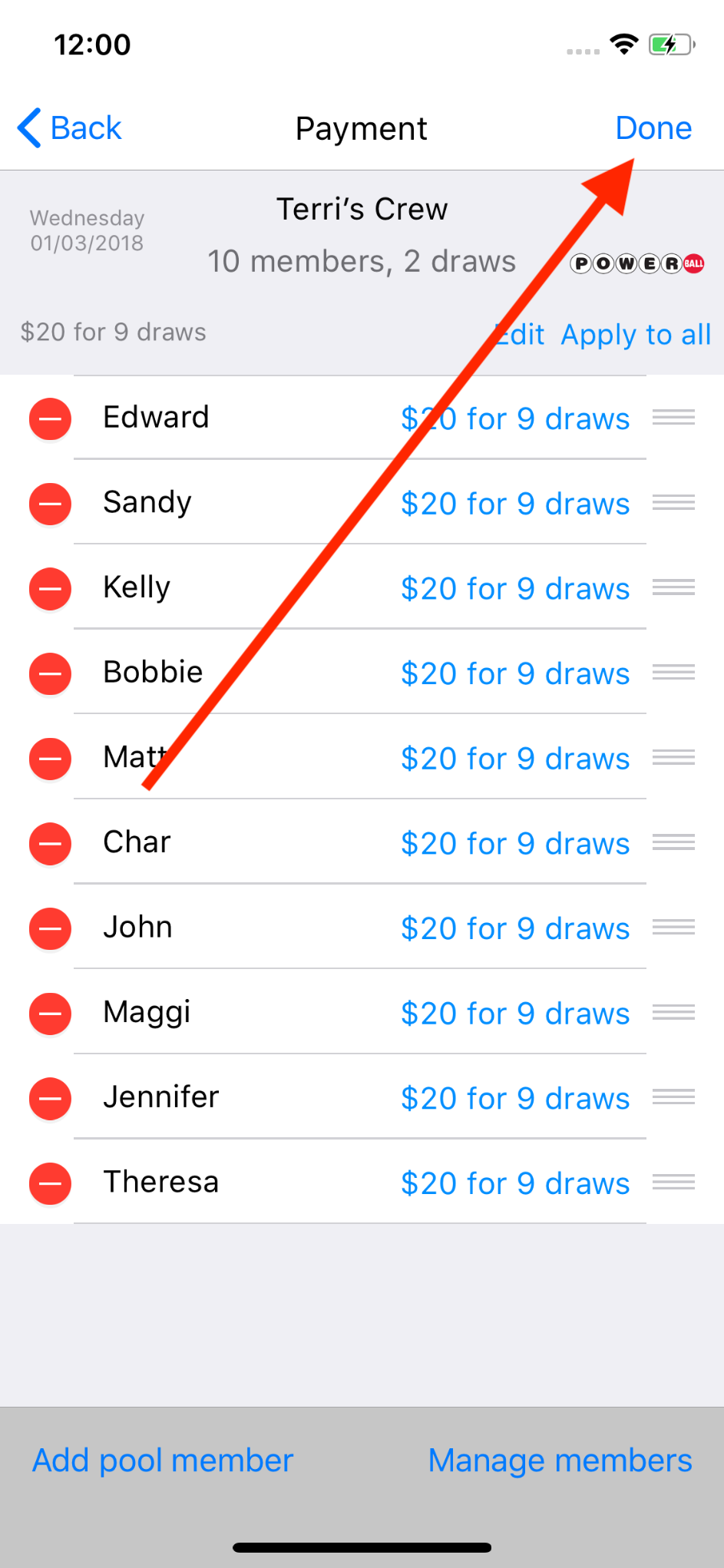
Instructions above show you how to setup a same payment schedule for the entire pool in a single batch. If necessary, you may go into each individual’s payment schedule to make changes for exceptions.